Searching for a username sounds simple until the results start disagreeing. One site says the handle exists. Another times out. A profile URL opens but belongs to someone with a different photo, language, or age. A tool finds the same username on ten platforms, but only two of them clearly point to the same person. That is the real problem with user search: finding accounts is easy; interpreting them responsibly is harder.
If you need a fast first pass, a browser-based username search tool such as WhatsMyName App can check a handle across many public sites. The open-source project behind the dataset is also available on GitHub at WebBreacher/WhatsMyName, which is useful because you can inspect how checks are defined instead of treating the result as a black box.
Start with the question, not the tool
A username search can answer several different questions. Are you trying to find your own forgotten accounts? Are you checking whether a brand handle is already used? Are you verifying that a person publicly links the same identity across sites? Are you doing OSINT for a security report, journalism project, fraud review, or trust-and-safety case? The right workflow depends on that purpose.
For personal digital footprint cleanup, the goal is coverage and triage. You want to know where a handle appears so you can secure, update, or close old accounts. For investigation, the goal is confidence. You need to separate the same username from the same person. For brand work, the goal is availability and risk. You need to know which platforms are taken, which are impersonations, and which do not matter.
Why username reuse is useful but dangerous
People reuse usernames because it is convenient. A gamer tag becomes a Reddit name, a GitHub account, a forum handle, a Discord alias, and a profile on a niche community. That makes username search valuable. It can surface accounts that ordinary web search misses, especially on sites where profile URLs follow predictable patterns.
But reuse is not proof. Short handles, common names, dictionary words, initials, birth years, and fandom references collide constantly. A username match is a lead, not an identity conclusion. Treat every hit as a pointer that needs context: profile photo, bio text, linked websites, join date, language, location claims, posts, friend networks, repository names, writing style, and whether the account links back to any known source.
How WhatsMyName-style checks work
The WhatsMyName project is built around a maintained data file that describes how to test whether a username exists on different websites. A check might request a profile URL, look for a success pattern, detect a not-found pattern, or handle site-specific behavior. Tools can then read that data and perform the actual checks.
This separation matters. If the data is open, contributors can fix broken sites, add new platforms, and reduce false positives. It also means you can review what a “found” result really means. Some sites return clear profile pages. Others return ambiguous redirects, rate limits, soft 404 pages, or error messages that change over time. Open definitions make those edge cases easier to audit.
Run the first pass, then slow down
A practical user search workflow has two speeds. First, run a broad check to collect candidate accounts. Use a tool to scan the obvious platforms and export or save the results. Do not make decisions yet. The first pass is for discovery only.
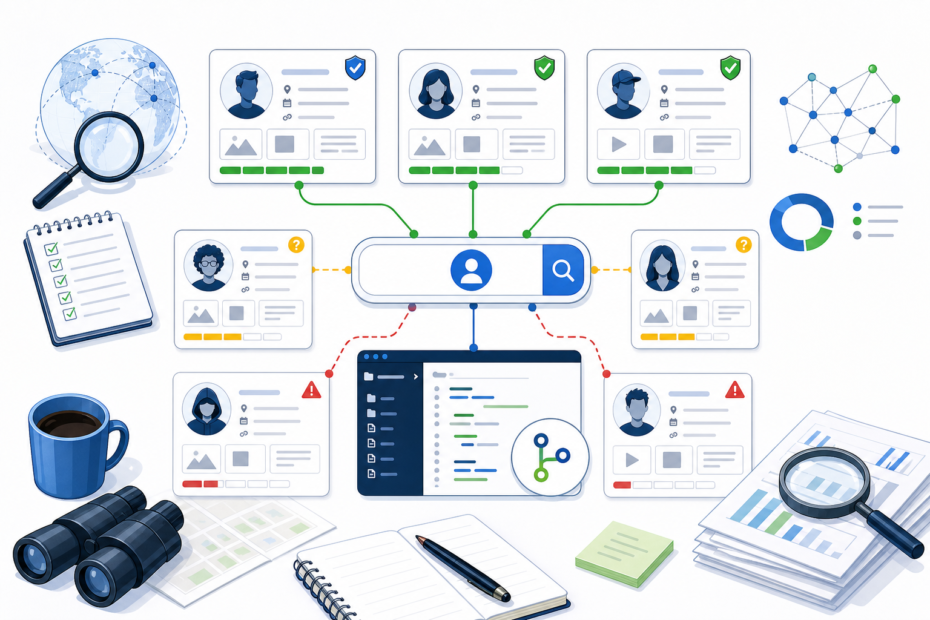
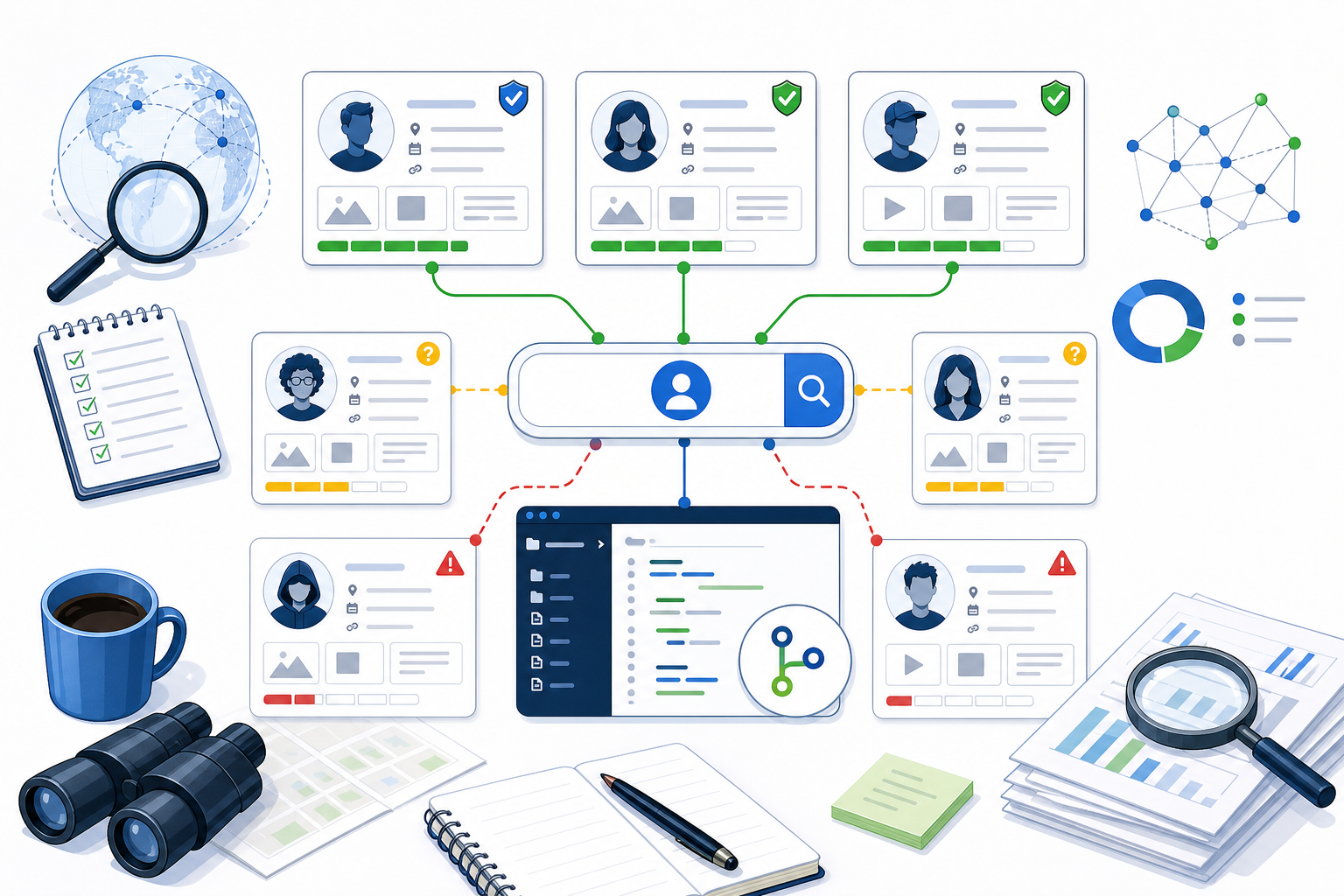
Second, review candidates manually. Open each important result, record what you saw, and grade confidence. A strong match might use the same avatar, link to the same domain, mention the same project, or cross-link to a known profile. A weak match might only share the username. A false positive might be a parked profile, a deleted account page, or a site that responds with a generic page for any input.
Use a confidence scale
Instead of writing “found” or “not found,” use a simple confidence scale:
- High confidence: the profile links to a known account, domain, email pattern, project, or biography detail.
- Medium confidence: the username, topic, language, and timing fit, but there is no direct cross-link.
- Low confidence: only the username matches, with little supporting context.
- False positive or unusable: the page is generic, unavailable, rate-limited, blocked, or clearly belongs to another person.
This discipline prevents one of the most common OSINT mistakes: turning a weak username hit into a strong claim. It also makes your work easier to review later, because each conclusion has a reason attached.
Check your own footprint differently
If you are searching your own username, the workflow is more practical and less evidentiary. List the accounts you still control, the accounts you forgot, the accounts that expose personal details, and the accounts that should be closed or renamed. Prioritize old profiles that show email addresses, phone numbers, location history, employment history, personal photos, or security questions.
Do not panic if you find old usernames in unexpected places. Many sites keep stale profile URLs after an account is inactive. Some mirrors and archives preserve old pages. Your goal is to reduce unnecessary exposure, update security settings, and understand what a stranger might find from a single handle.
Respect ethical and legal boundaries
User search is public-source research, not permission to harass, dox, scrape private data, bypass access controls, or contact unrelated people. Stick to public pages. Do not try to log in, reset passwords, test credentials, evade blocks, or pressure platforms for private records. If your work involves another person, document only what is necessary for the legitimate purpose.
For journalists, security teams, and investigators, the best practice is to preserve context and uncertainty. Save URLs, timestamps, and notes about why a result matters. Avoid publishing private details that are not needed. If a match is uncertain, say so. Responsible user search is useful because it narrows leads, not because it turns public fragments into overconfident claims.
Common reasons user search results are wrong
- The platform changed its profile URL or response pattern.
- The site returns a generic page for any username.
- The username is common and belongs to multiple unrelated people.
- The account was deleted but the old URL still redirects.
- The site blocks automated checks or rate-limits requests.
- The account exists but is private, suspended, or region-restricted.
- The profile belongs to a fan, impersonator, bot, or old owner of the handle.
A repeatable username search checklist
- Write the exact username and known variants: underscores, dots, numbers, old handles, and casing.
- Run a broad public username check.
- Save candidate URLs and the time checked.
- Open important hits manually.
- Record confidence and why each match is strong or weak.
- Look for cross-links, reused avatars, bios, domains, repositories, posts, and timestamps.
- Separate identity conclusions from account availability conclusions.
- Stop before crossing into private, credentialed, or intrusive behavior.
Search variants before you stop
One username rarely tells the whole story. People add underscores when a name is taken, drop vowels for shorter handles, append birth years, reuse gamer tags, or switch between dots and hyphens depending on platform rules. Before you decide a search is complete, test a small set of realistic variants and record which ones you tried. That makes the search repeatable and helps someone else understand why a missing result is meaningful.
Bottom line
User search is best used as a map of public clues. A tool can quickly show where a username appears, but the investigator still has to interpret the evidence. Use open-source tools, inspect methodology when possible, keep ethical boundaries clear, and treat every username hit as a lead until surrounding context supports it.
