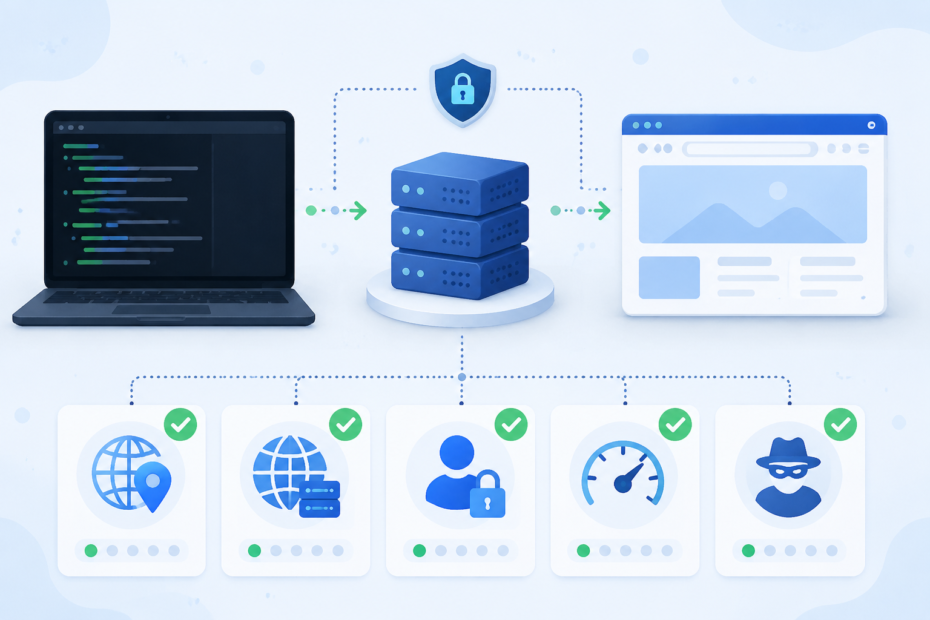

A proxy can look fine for the first ten seconds and still be wrong for the job. The browser loads a page, but your script fails. The proxy changes your IP, but it leaks a header that identifies it as a proxy. A SOCKS5 endpoint connects, but DNS still resolves on your own machine. Or everything works once, then times out when you run a batch.
That is the real reason to test a proxy before you trust it. You are not only asking, “does this host and port answer?” You are asking whether it routes the traffic you care about, from the application you care about, with the identity, location, protocol, authentication, and speed you expected. If you need a quick first pass, a browser-based checker such as My Proxy Checker is useful because it can quickly show whether a proxy appears alive and what public IP or anonymity signals are visible from the outside. For production work, that first pass should be followed by application-level tests.
Start with the exact failure users actually hit
Most proxy problems are not abstract networking puzzles. They show up as a very specific complaint: “the proxy works in my browser but not in curl,” “Firefox asks for credentials but my terminal does not,” “SOCKS5 works locally but fails on the server,” or “the proxy is connected but the site still sees the wrong country.” Those symptoms point to different checks.
If a browser works but a terminal command fails, the proxy may only be configured inside the browser. Many command-line tools do not automatically inherit browser proxy settings. On Windows, some applications read system proxy settings while others ignore them. On Linux and macOS, many tools look for environment variables such as HTTP_PROXY, HTTPS_PROXY, or tool-specific configuration. That means “works in Chrome” is not proof that the same proxy will work in your scraper, package manager, API client, or headless browser.
If curl or a script fails while the proxy is known to be alive, check the proxy type. HTTP proxies, HTTPS tunneling through CONNECT, SOCKS4, SOCKS5, and SOCKS5-with-remote-DNS are not interchangeable labels. curl’s own proxy documentation distinguishes socks5:// from socks5h://; the latter asks the proxy to resolve the destination hostname. That difference matters when local DNS is blocked, leaking, or resolving to a different regional endpoint than the proxy would see.
Use a three-layer proxy test
A reliable proxy check has three layers. First, test reachability. Can the proxy host and port accept a connection? If authentication is required, does the proxy accept the username and password? A 407 response usually means the request reached a proxy but the proxy wants valid credentials before forwarding it. That is different from a timeout, refused connection, or DNS failure.
Second, test the public exit identity. The destination site should see the proxy’s IP, not your direct IP. This is where a web checker is convenient: paste the proxy, run a check, and confirm the visible IP, country, and basic anonymity signals. If the checker reports your real IP, a transparent proxy, or obvious forwarding headers, do not assume it is safe for privacy-sensitive work.
Third, test the target application. If you plan to use the proxy with curl, test with curl. If the workload is Playwright, test a real browser request. If it is an API client, run a request through that client with verbose logging. The exact tool matters because each tool handles authentication, DNS, redirects, TLS, and proxy environment variables differently.
Check protocol and DNS before blaming the provider
A common mistake is to change providers before confirming the protocol. For an HTTP proxy, a basic curl test might use -x http://user:pass@host:port. For a SOCKS5 proxy, the scheme should say SOCKS. If you want the proxy to resolve DNS, use the hostname-resolving SOCKS mode supported by your tool. In curl that commonly means socks5h:// in the proxy URL. Without that, the client may resolve the hostname locally and only send the resulting connection through the proxy.
That distinction explains many “it works on one machine but not another” stories. The local laptop can resolve a domain, but the remote server cannot. Or the laptop’s DNS returns a nearby IP while the proxy region would have returned a different one. Or a corporate network blocks direct DNS but allows the proxy tunnel. A proxy checker can tell you whether the proxy exits correctly, but your application test tells you whether DNS is happening in the right place.
Do not confuse alive with anonymous
Alive means the proxy can forward a request. Anonymous means the destination does not see your real IP in obvious headers. Elite or high-anonymous usually means the destination also does not receive headers that clearly announce proxy use. Transparent proxies may still be useful for caching, filtering, or routing, but they are a poor fit when the goal is hiding the client IP.
For everyday troubleshooting, write down exactly what you need: stable exit IP, a specific country, no visible forwarding headers, low latency, support for HTTPS targets, SOCKS5 support, or authentication compatibility. Then test those requirements directly. A proxy can pass one requirement and fail another.
Measure speed like a user, not like a benchmark chart
Proxy speed is workload-specific. A single “latency” number is not enough. Measure connection time, TLS handshake time, time to first byte, total transfer time, and success rate over several attempts. If the proxy is for scraping or monitoring, test it against the actual target domain rather than a generic IP-check endpoint. Some proxies are fast to one destination and poor to another because of routing, rate limits, or target-side blocking.
Also separate proxy failure from target blocking. If an IP checker works but the target site returns CAPTCHA pages, 403 responses, or inconsistent redirects, the proxy is alive but not accepted by that destination. That calls for a different decision: a different pool, lower request rate, browser fingerprint work, or a different access strategy.
A practical checklist before you use a proxy
- Confirm the proxy type: HTTP, HTTPS tunnel, SOCKS4, SOCKS5, or SOCKS5 with proxy-side DNS.
- Confirm authentication: no auth, username/password, IP allowlist, or corporate auth challenge.
- Check public IP and country through a checker.
- Check anonymity signals and obvious proxy headers.
- Run the same proxy through the exact app that will use it.
- Test the real target URL, not only a generic “what is my IP” page.
- Repeat the test several times to catch intermittent timeouts.
- Log error type separately: timeout, connection refused, 407 authentication, TLS failure, DNS failure, 403 from target, or CAPTCHA.
- Compare direct connection vs proxy connection so you know whether the proxy introduced the problem.
When a proxy fails, change one variable at a time
The fastest way to waste an afternoon is to change the proxy, the protocol, the credentials, the target URL, and the application at the same time. Keep the test small. First prove that the proxy works in a checker. Then prove it works with curl or another simple client. Then move to the real application. Only after that should you tune headers, sessions, browser settings, or retry logic.
For example, if the checker shows the proxy exit IP correctly but curl fails, the issue is likely in curl syntax, authentication, DNS mode, or local networking. If curl succeeds but the browser automation fails, the issue may be browser proxy configuration or target-side bot detection. If both succeed against an IP-check endpoint but fail against the target site, the proxy is alive but not suitable for that target.
Bottom line
A good proxy test answers a practical question: “Can this proxy safely and reliably carry my real workload?” Start with a quick external check, then test protocol, DNS, authentication, anonymity, speed, and target acceptance. Treat every failed test as a clue. The proxy may be dead, but it may also be the wrong protocol, the wrong DNS mode, the wrong credentials, or simply the wrong proxy for that destination.
